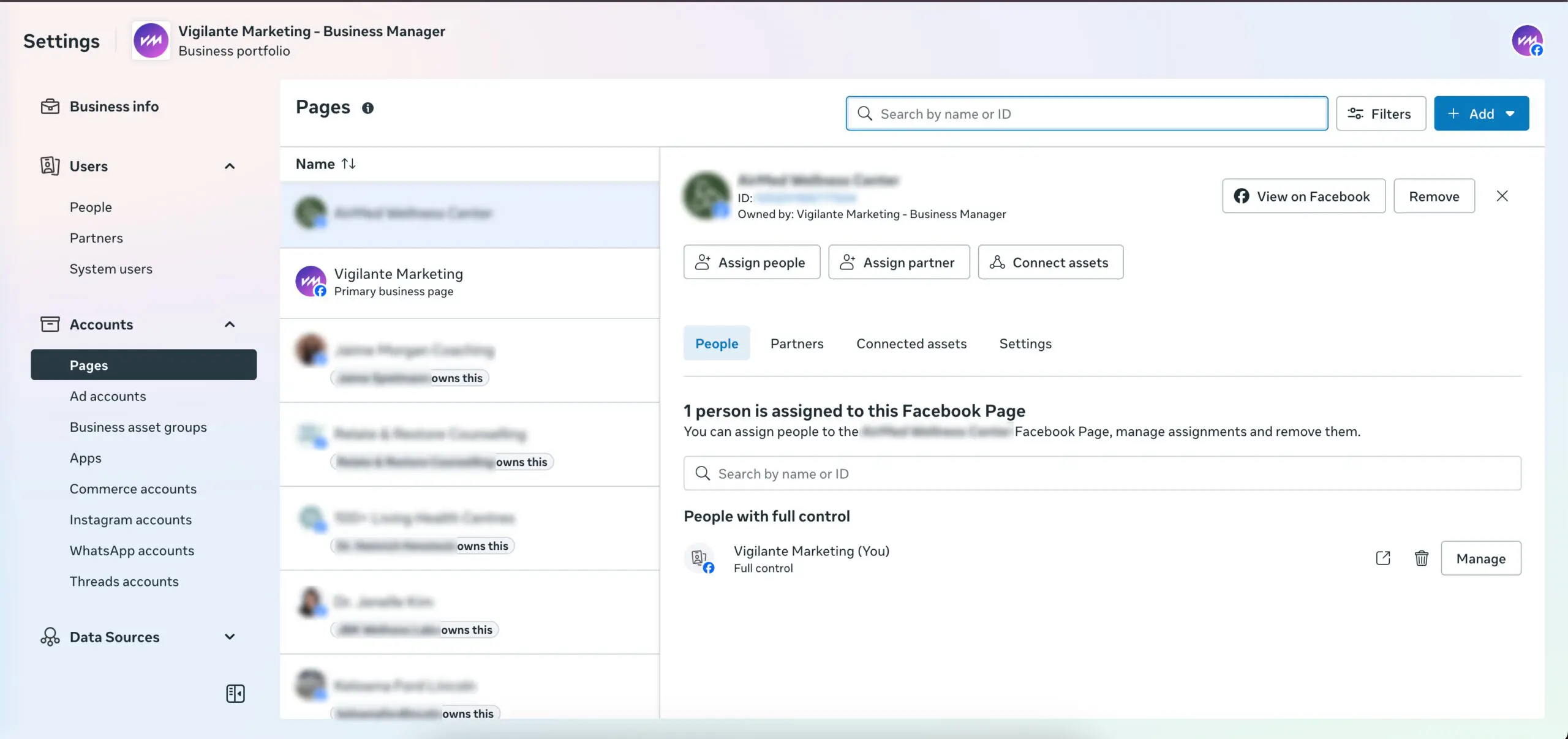
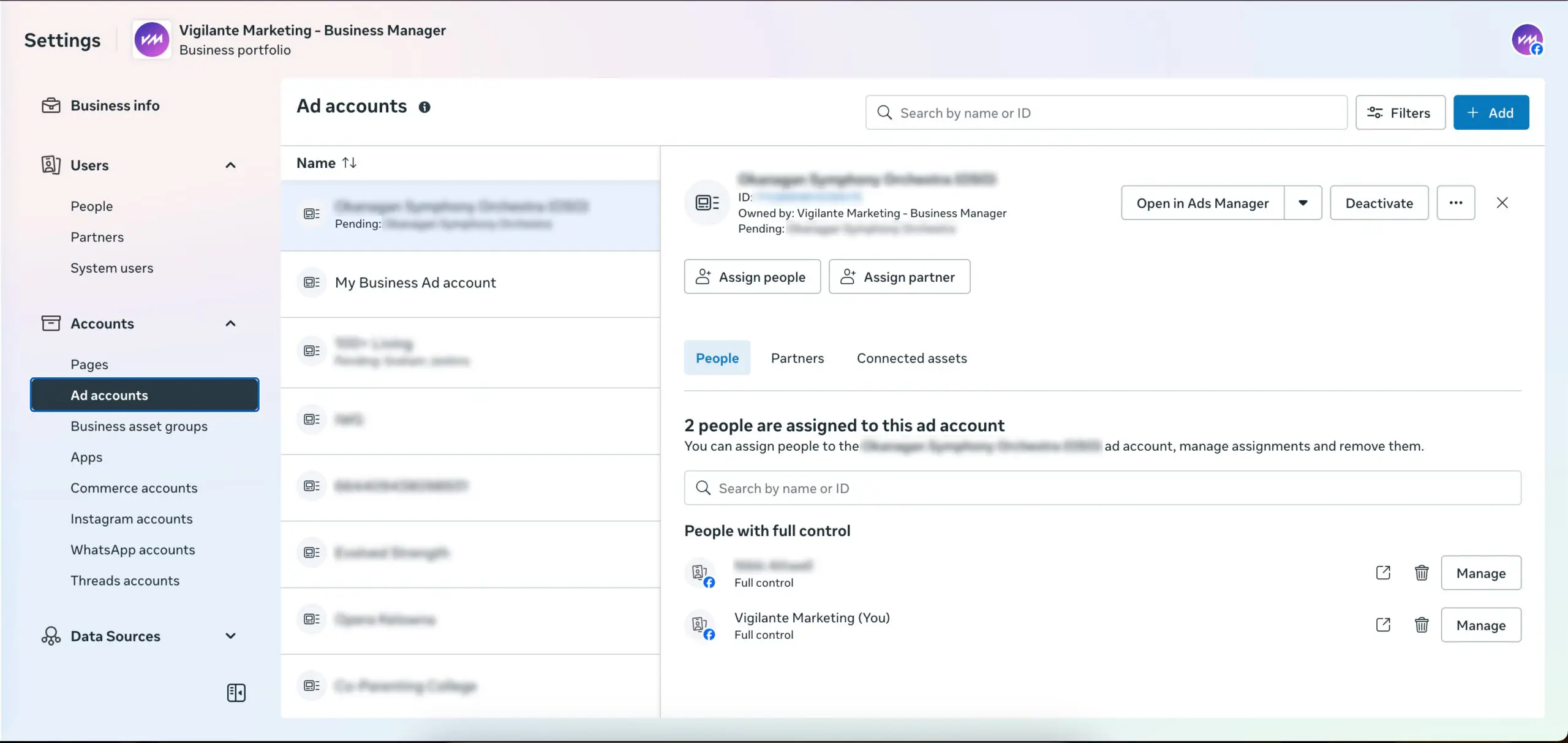
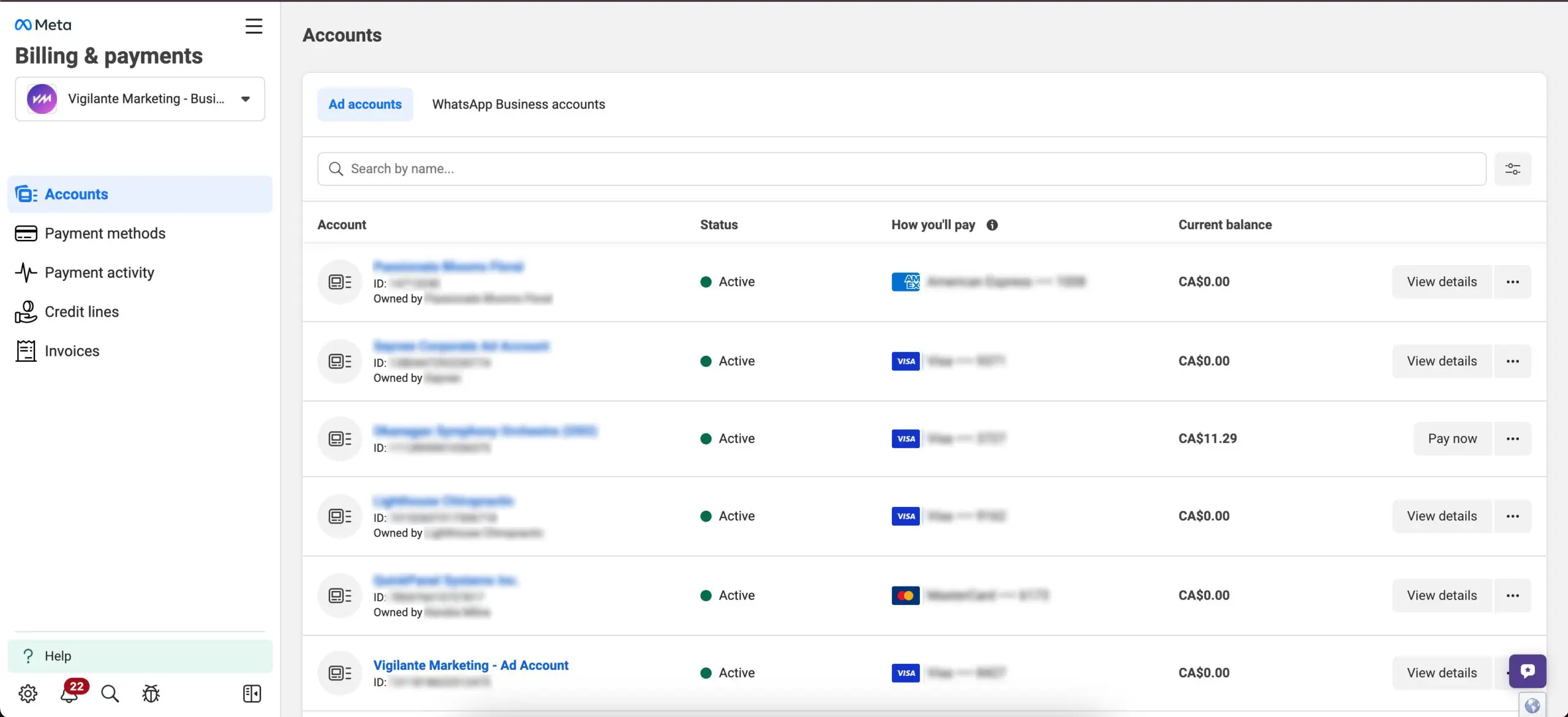
This guide explains how to give a team member or agency access to your Meta Business Manager, Facebook Page, and Ad Account so they can manage advertising or social media activities.
⚠️ Important:
Only users with Admin or Full Control access in Meta Business Manager can add new users.
Step 1 — Open Meta Business Settings
- Log in to Meta Business Suite
https://business.facebook.com - In the left-hand menu, click All Tools (three horizontal lines).
- Select Settings → Business Settings.
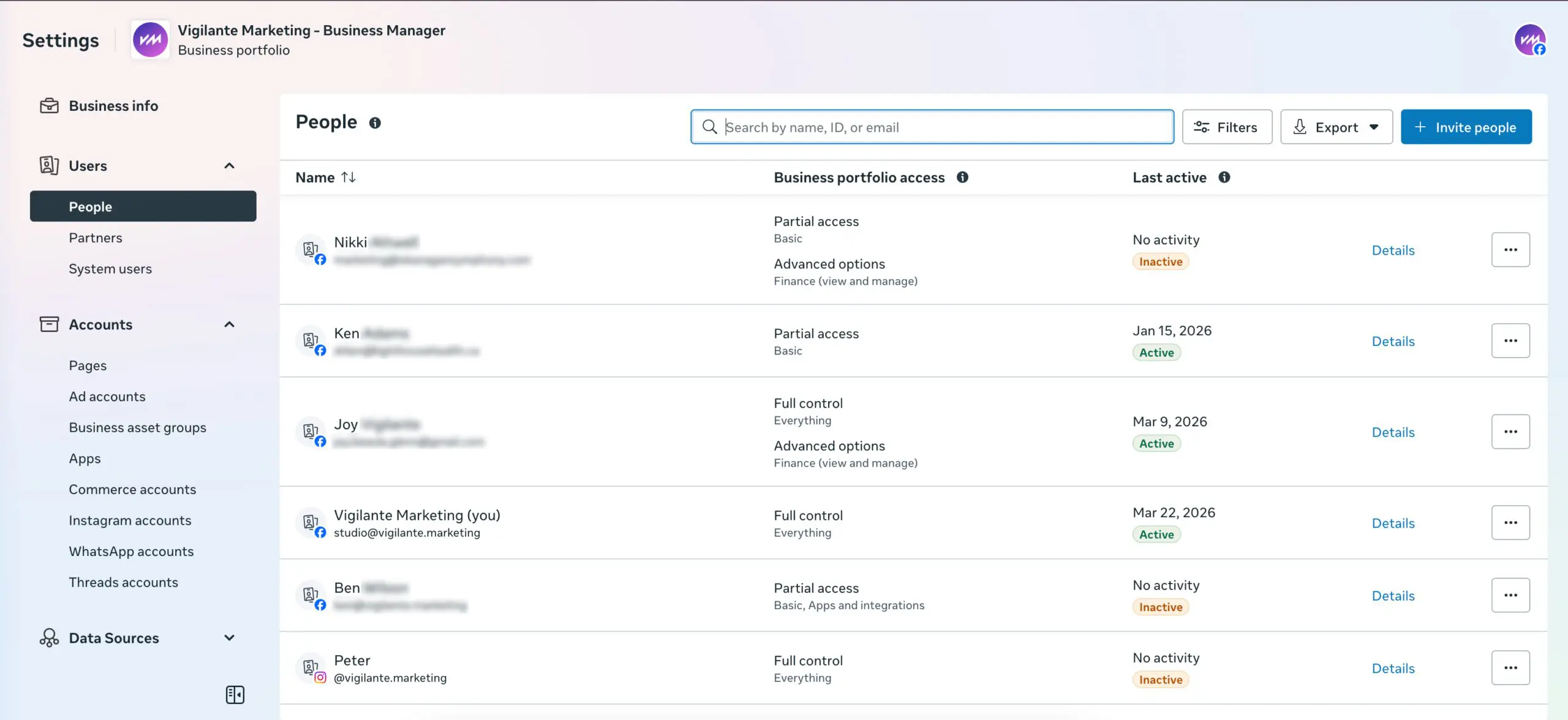
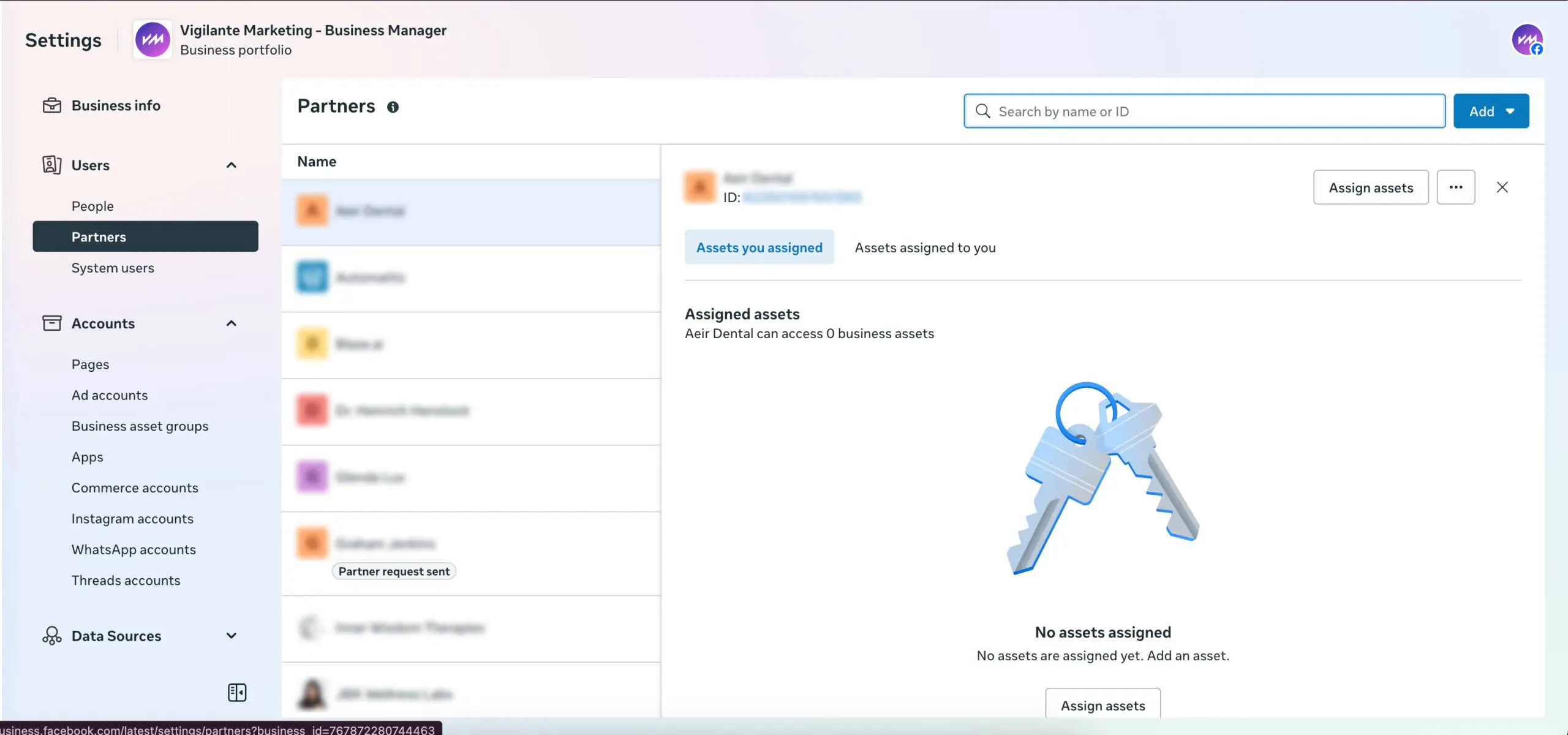
- In the left sidebar, navigate to:
Users → People
Here you will see all users who currently have access to the business.
Step 2 — Invite a New User/Partner
- Click Invite People/Partner (top right corner).
- Enter the email ID: [email protected]
Click Next.
Meta will confirm the email if it is connected to a Facebook profile.
Step 3 — Assign Business Access Level
Choose the appropriate level of access for the user.
Users can only work on assets you assign.
Examples:
- Manage ads
- Create posts
- Access analytics
- Manage specific business tools
Full Control (Admin Access)
Users can manage:
- Business settings
- Users and permissions
- Ad accounts
- Pages and assets
- Billing and payment methods